One Windows laptop to rule them all: a cleaner way to work
I work at Plain Concepts, with its customers and a few lab tenants. Does that sound familiar?
One laptop, several work identities, and everyone racing to deploy passkeys as well as they can.
I had seen plenty of articles about passkey deployments within a single organisation. What I needed was a practical way to strengthen my own authentication setup across several tenants, without interfering with anyone else’s device management or security model.
So I did some testing. I hope these notes are useful to others in the Entra community working through the same situation.
Microsoft Entra passkey on Windows is still in preview, but I wanted to give it a go. I found a clean model, and one worth understanding now, when many of us are planning the big move towards phishing-resistant authentication.
Plain Concepts can keep the device relationship, while other organisations can give me a strong, device-bound way to sign in to their Entra-protected services.
Start with the boundary that matters
Maybe you already know the Intune bit. Still, I think a quick overview helps others, and perhaps I have got part of it wrong myself. If so, drop a LinkedIn comment in the purest GOT style: You know nothing, Jon Snow.
Here is the deal: one laptop has one home organisation. That organisation controls the Windows sign-in experience and the baseline for the device. Windows Hello for Business belongs there. It helps me sign in to Windows and gives my primary work account its familiar SSO experience.
Then there are the other accounts: customer account one, customer account two, and a lab account. They do not need to become owners of the laptop. They only need a strong way to verify that it is really me when I access their resources.
An Entra passkey on Windows stores those keys in the Windows Hello container on the device, while each remains a separate credential for a separate account and tenant.
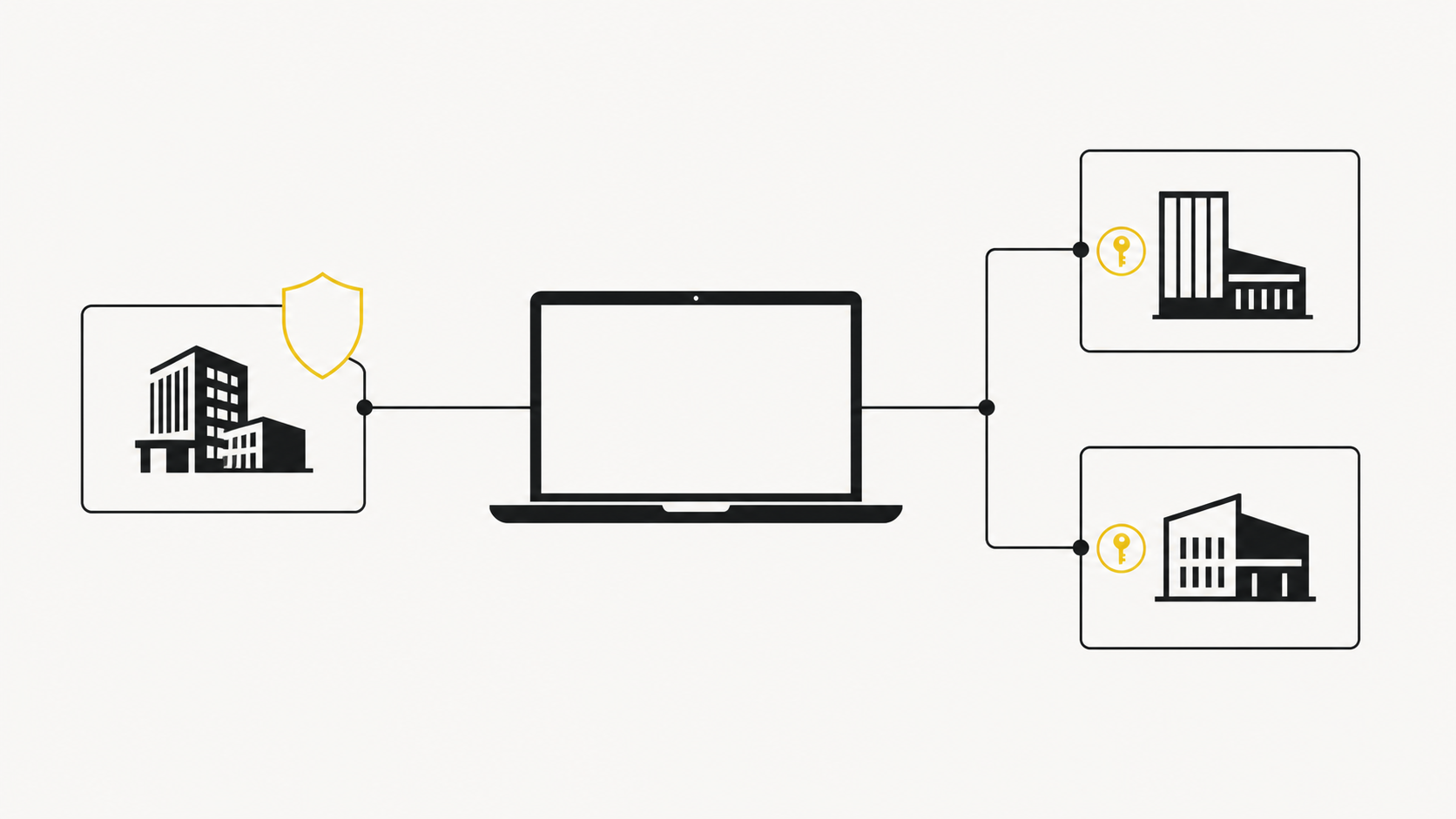
One device management relationship. Separate credentials for separate organisations.
So, on a single laptop, I now have a Windows Hello for Business credential for my employer account, an Entra passkey for a customer account, and another for a lab account. Three different keys, registered to three different identities.
Similar prompt, different job
The confusing part is that Windows Hello may look identical in both cases. You might use the same fingerprint or PIN, but what happens behind the scenes is different.
Windows Hello for Business is about the primary Windows experience: signing in to the computer, establishing the device relationship with its home organisation, and getting the usual SSO experience afterwards.
An Entra passkey on Windows comes into play after you are already using Windows. Say you open a client’s SharePoint site. It asks you to sign in, sends a passkey challenge, and Windows asks for your face, fingerprint, or PIN. It then uses the customer-specific key stored locally on the device to answer that challenge.
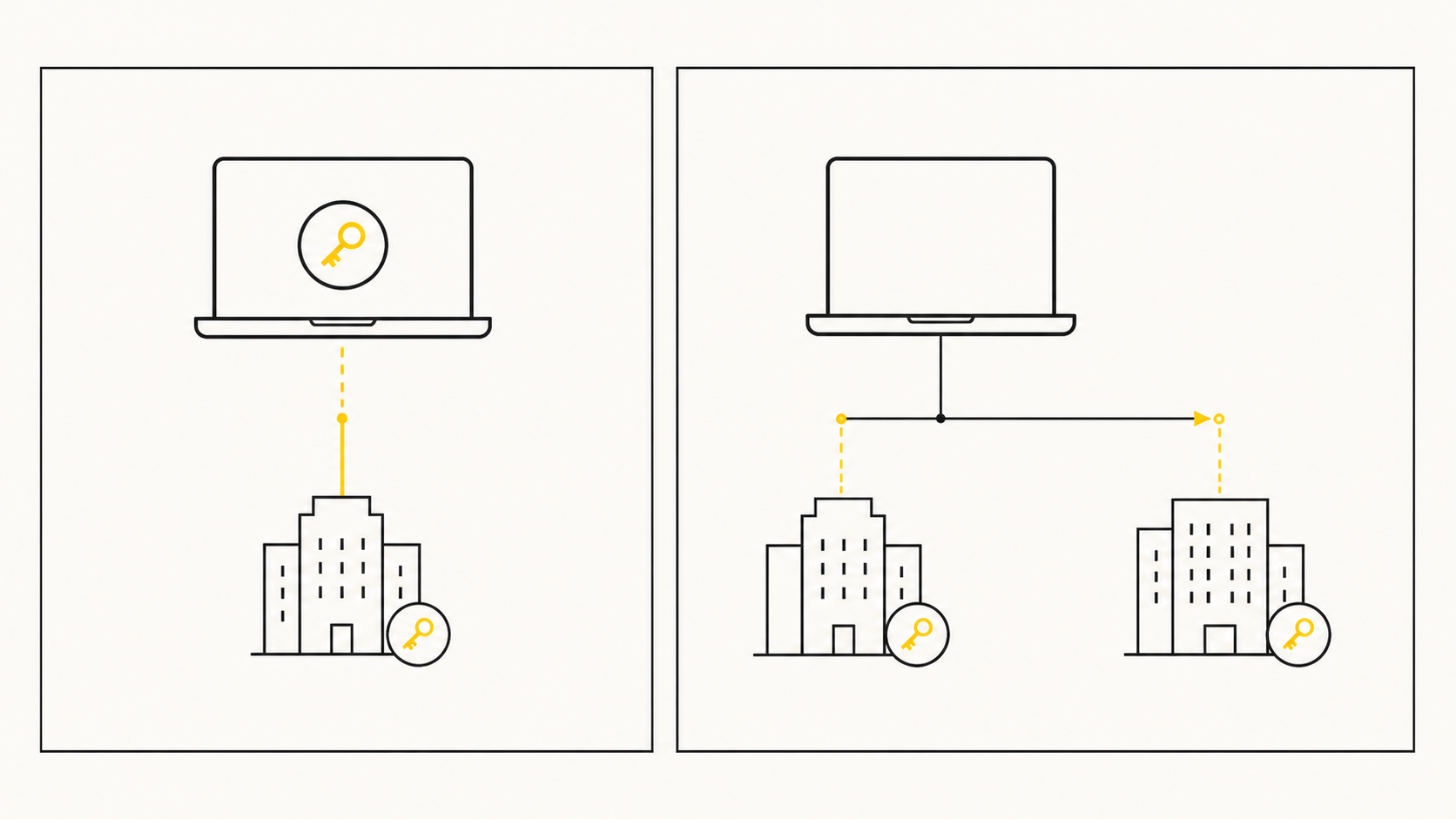
Windows Hello for Business supports device sign-in. An Entra passkey authenticates you to another tenant after you are already using Windows.
The Entra passkey did not sign you in to Windows, and it did not create a device relationship for the client tenant. It is an authentication credential, not a device-management or device-trust relationship. So, happy days.
What the client can, and cannot, rely on
From the customer’s side, this can be a strong authentication control. The passkey is phishing-resistant and device-bound. The tenant can configure a passkey policy to allow the hardware-backed Windows Hello authenticators it is comfortable with.
But a strong sign-in is not the same thing as a compliant device. Conditional Access can make separate decisions about the person and the endpoint.
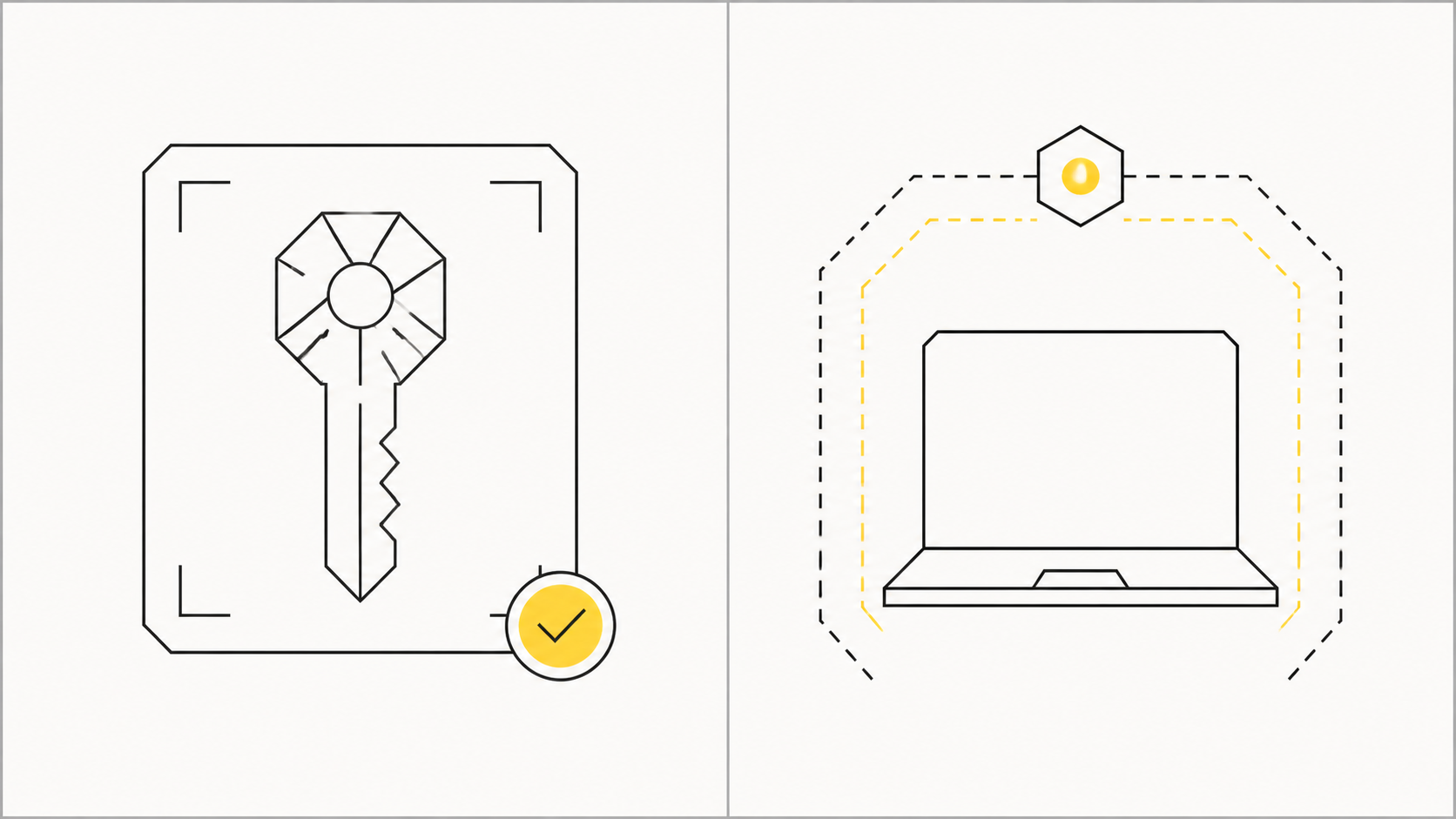
Conditional Access can make separate decisions about the person and the endpoint.
If a customer’s Conditional Access policy asks for phishing-resistant authentication, this kind of passkey can satisfy that requirement. If it asks for a device that is compliant or trusted by that customer’s tenant, the passkey does not change the answer.
Your employer-managed laptop does not become the customer’s managed laptop just because it holds one of the customer’s credentials. Bear that in mind when setting Conditional Access policies for guests and third-party contractors. In short: your BYOD policies may need a little extra love in the coming days.
The practical model: your employer owns the laptop’s management. Each customer owns its sign-in policy and its own credential registration. Nobody gets an unnecessary claim on the device itself.
A practical setup
For the tenant issuing passkeys, the configuration lives in Entra ID → Authentication methods → Passkey (FIDO2). Create a device-bound profile, target the intended users, and allow the relevant Windows Hello AAGUIDs.
For a hardware-backed requirement, Microsoft lists these Windows Hello options:
| Windows Hello authenticator | AAGUID | Private key storage |
|---|---|---|
| Windows Hello Hardware Authenticator | 08987058-cadc-4b81-b6e1-30de50dcbe96 | Hardware TPM |
| Windows Hello VBS Hardware Authenticator | 9ddd1817-af5a-4672-a2b9-3e3dd95000a9 | VBS with the host TPM |
Leaving out the Windows Hello Software Authenticator AAGUID restricts registration to those hardware-backed paths.
My take
For a consultant, MSP, or anyone moving between organisations, this is the most natural experience I can think of: one device, one Windows Hello gesture, and several keys for each identity.
It is a preview feature, so test it with your own flows, Conditional Access policies, and your own IT gang before treating any of this as gospel. But for cross-tenant access where device management should stay in one place, it is a genuinely promising option.
Sources and further reading
- Microsoft Learn: Enable Microsoft Entra passkey on Windows (preview)
- Microsoft Learn: Register a Microsoft Entra passkey on Windows (preview)
- Microsoft Learn: Plan a phishing-resistant passwordless authentication deployment
A small note on writing this
I do not think anyone writes articles entirely alone any more. Of course there is some AI assistance here. English is not my mother tongue, and even when I ask AI to review my text, I like rewriting things until they sound as if I am talking to you rather than lecturing.
This is my first entry ever, so be kind with your feedback, but please do give it.